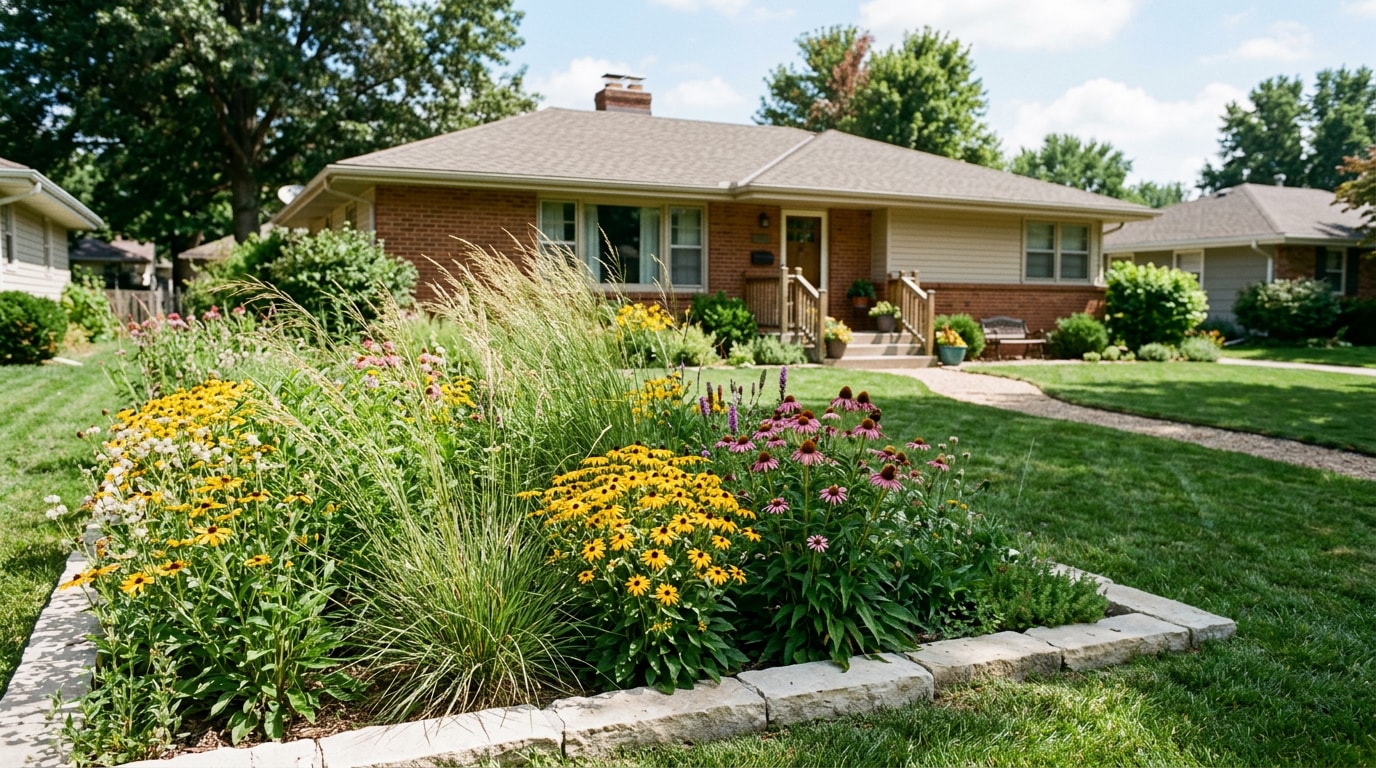
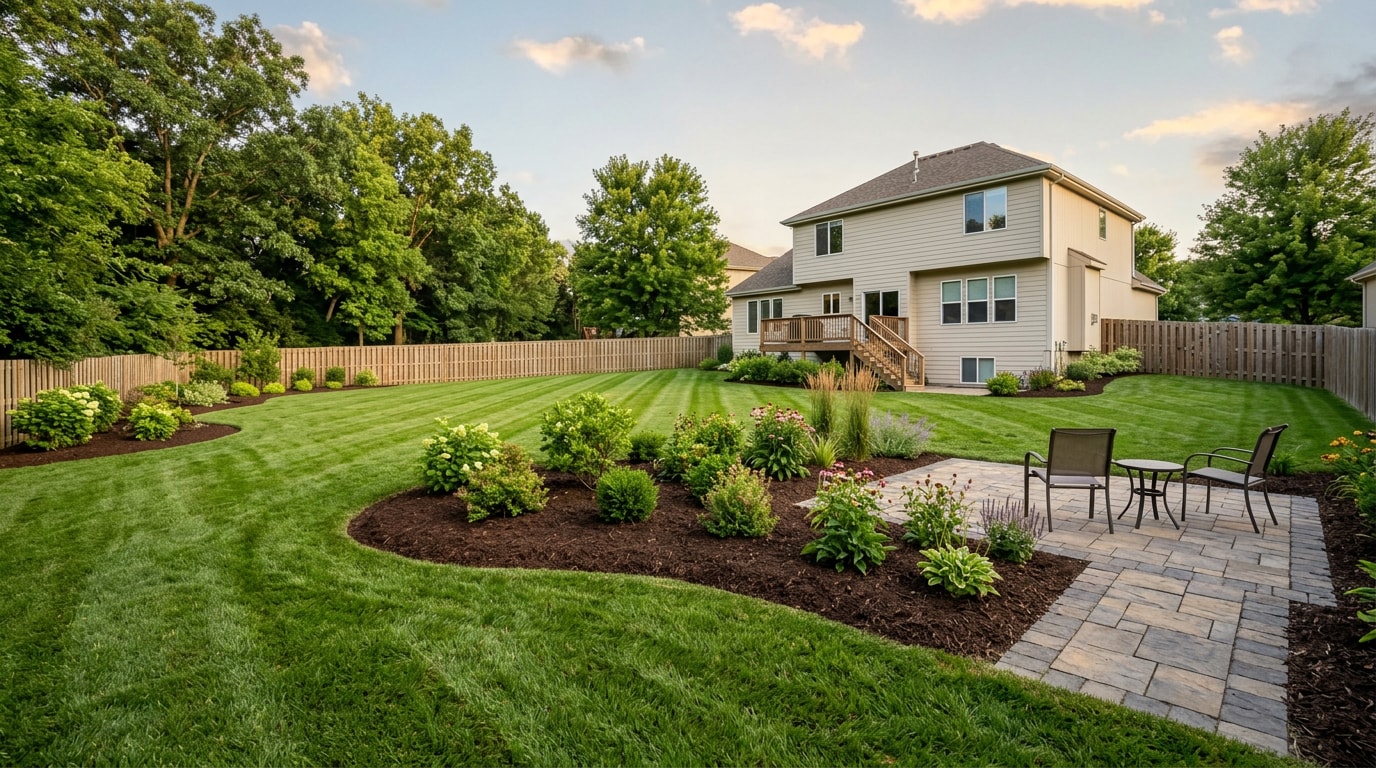
If you're researching ai for landscaping Goddard, KS, you've likely noticed a wave of apps that turn a yard photo into a design mockup in seconds. These tools use artificial intelligence to preview plants, patios, and hardscaping before you spend a dollar on materials or labor. Here's how they actually work, what separates a useful one from a gimmick, and where Kansas conditions change the results you get back.
Top AI Landscaping Tools in 2026
AI for landscaping Goddard, KS means software that analyzes an uploaded yard photo and generates a realistic design concept, letting you preview changes digitally before committing to a professional installation.
Beyond that core function, these tools split into two broad categories. Some specialize in quick, photorealistic renders you can generate from a phone in under a minute. Others are built for landscape architects, with CAD-style editing, grading tools, and a much steeper learning curve.
| Tool type | Input | Typical output | Learning curve | Best for |
|---|---|---|---|---|
| Consumer render apps | Phone photo | Styled image in 10-60 seconds | Low | Quick curb-appeal ideas |
| AR walkthrough apps | Phone camera, live | 3D "walk-through" preview | Low-moderate | Visualizing scale and placement |
| Pro-grade CAD/design platforms | Site photo plus measurements | Scaled plan with grading and plant lists | High | Detailed project planning |
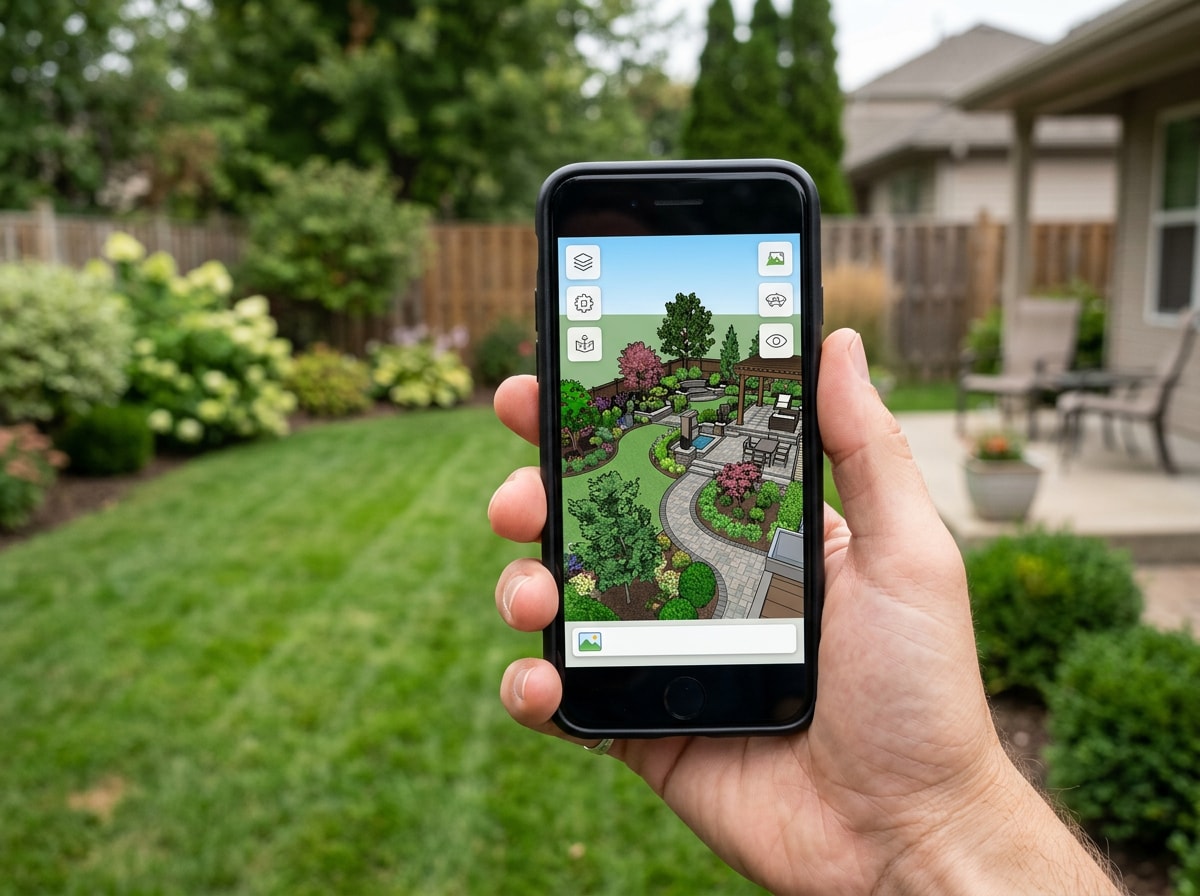
For landscaping projects around Goddard specifically, the "best" tool depends on more than a slick render. Kansas's clay-heavy soil and swings between drought and heavy spring rain mean a plant that looks great in a mockup can struggle outdoors. Goddard sits near the boundary of zones 6b and 7a on the 2023 USDA Plant Hardiness Zone Map , so it's worth checking your exact zone before trusting any app's plant suggestions.
If your property sits in an HOA, confirm that an AI-suggested fence height or hardscape material actually fits community rules before you get attached to a design. Browsing our landscape design services alongside an AI mockup can help you gauge whether a concept is realistic for your lot size and budget.
What to Look for in an AI Landscape Design Tool
Choosing a tool comes down to a handful of practical checks:
- Photo recognition accuracy. Does it read fence lines, slopes, and existing trees, or just overlay generic graphics on top of your image?
- Plant zone filtering. A tool that filters by hardiness zone saves you from planting something that won't survive a Kansas winter.
- Free vs. paid limits. Many apps offer a handful of free renders, then charge for extra edits, printable plant lists, or high-resolution exports.
- Scale for your yard. A small urban lot may only need a simple visualization app. A larger suburban yard with multiple zones, play area, patio, garden beds, benefits from a tool built for layered planning.
Always verify AI-suggested plants against your actual growing zone before buying anything. For a research-based second opinion on what thrives locally, K-State Research and Extension's horticulture program focuses on crops, livestock, gardening, and lawn care for Sedgwick County residents , and their Master Gardener hotline will field specific plant questions.
Also check what you're uploading. Home photos can reveal more than you intend, and the FTC's guidance for app developers recommends that apps shouldn't collect or keep data they don't need, so a photo-editing tool that doesn't require contact-list access shouldn't ask for it . Read a tool's privacy policy before uploading an image of your house and yard.
How to Start a Landscape Plan with an AI Tool
Most apps follow a similar workflow:
- Define your goal. Curb appeal, a low-maintenance yard, or a space built for entertaining shapes which features the tool should prioritize.
- Take a reference photo in even daylight. Stand back far enough to capture the whole area, including a fixed point like a porch or curb for scale.
- Upload the photo and generate concepts. The AI analyzes the image and produces a mockup within a minute or two, often with a few style variations to compare.
- Cross-check every plant suggestion. Confirm hardiness against the
USDA Plant Hardiness Zone Map, which is based on the average annual extreme minimum winter temperature for your location , before you buy anything.
Treat the mockup as a planning and budgeting aid, not a finished blueprint. It's a useful first step before calling in a crew, but scale, drainage, and soil conditions still need a real walkthrough.
Using ChatGPT and Other AI Assistants for Garden Ideas
Not every AI landscaping tool relies on photo uploads. General-purpose assistants work entirely through text prompts, which makes them handy for brainstorming before you open a visualization app.
A few prompts worth trying:
- "Suggest drought-tolerant perennials for a sunny Kansas backyard."
- "List low-maintenance shrubs that block street noise along a front yard."
- "Give me a planting schedule for a zone 6b-7a vegetable garden."
The responses are useful for ideas and vocabulary, but the assistant can't see your yard, so spacing and scale suggestions stay generic compared to a photo-based render. Chatbot plant picks aren't locally verified, so cross-check anything surprising against a university extension resource before you plant it. Text-based tools work best alongside a visualization app, not instead of one.
From AI Mockup to Real Installation in Goddard
An AI render is a conversation starter, not a construction document. In our experience walking Goddard properties after a homeowner shows us an AI mockup, the biggest gap is almost always drainage and grading. A render can't tell you where water pools after a heavy spring rain or whether a planting bed needs a French drain before the first shovel goes in the ground.
That's the piece a site visit covers. We'll look at your soil, sun exposure, and existing drainage, then tell you honestly which parts of an AI concept are realistic for your lot and which need adjusting. You can browse examples of completed work on our projects page, and if rock or gravel beds came up in your AI concept, our guide to rock bed landscaping in Goddard covers cost and installation specifics for this area.
Ready to turn a digital concept into a real yard? Get a free estimate and we'll walk the property with you. You can also see what we handle in your neighborhood on our Goddard, KS service area page, or start from our homepage to browse the full range of lawn and landscape services.
FAQ
Can AI design my backyard for free?
Yes. Most AI landscaping tools offer a limited free tier, typically a set number of renders per day. Paid tiers usually unlock higher resolution, additional edits, and downloadable plant lists.
What is the best app for designing my backyard?
There's no single best app. It depends on whether you want photorealistic renders, an AR walkthrough, or a plant list with a CAD-style layout. Match the tool to your priorities using the comparison table above.
Can I design my landscape online for free?
Yes. Most AI landscape design tools run entirely in a browser, so you can generate ideas with no software download, though some premium features require a paid upgrade.
Do I need landscaping experience to use an AI design tool?
No. These tools are built for homeowners with zero design background. You upload a photo, pick a style, and the AI generates the concept for you. Knowing your soil type and sun exposure still helps you judge which suggestions are realistic.
What kind of photo should I upload for best results?
Use even daylight without heavy shadows, and stand back far enough to include fixed reference points like a porch or curb. These landmarks help the tool render accurate scale.
Will an AI mockup account for Kansas soil and drainage?
No. Most tools only analyze what's visible in the photo. They can't detect clay-heavy soil, poor drainage, or grading issues, which is why a render should be paired with an in-person site visit before installation begins.